
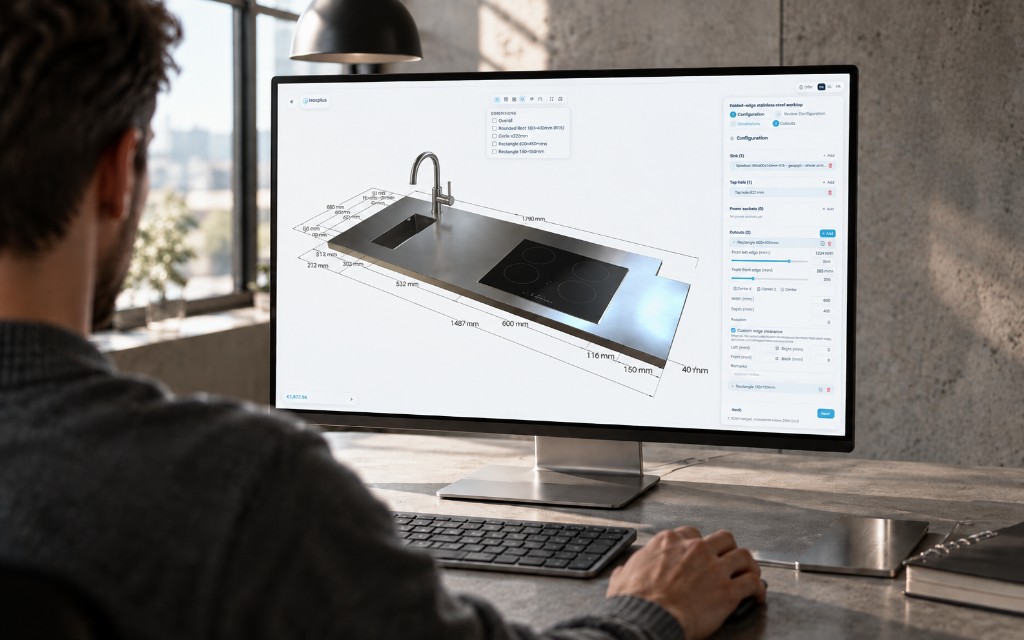
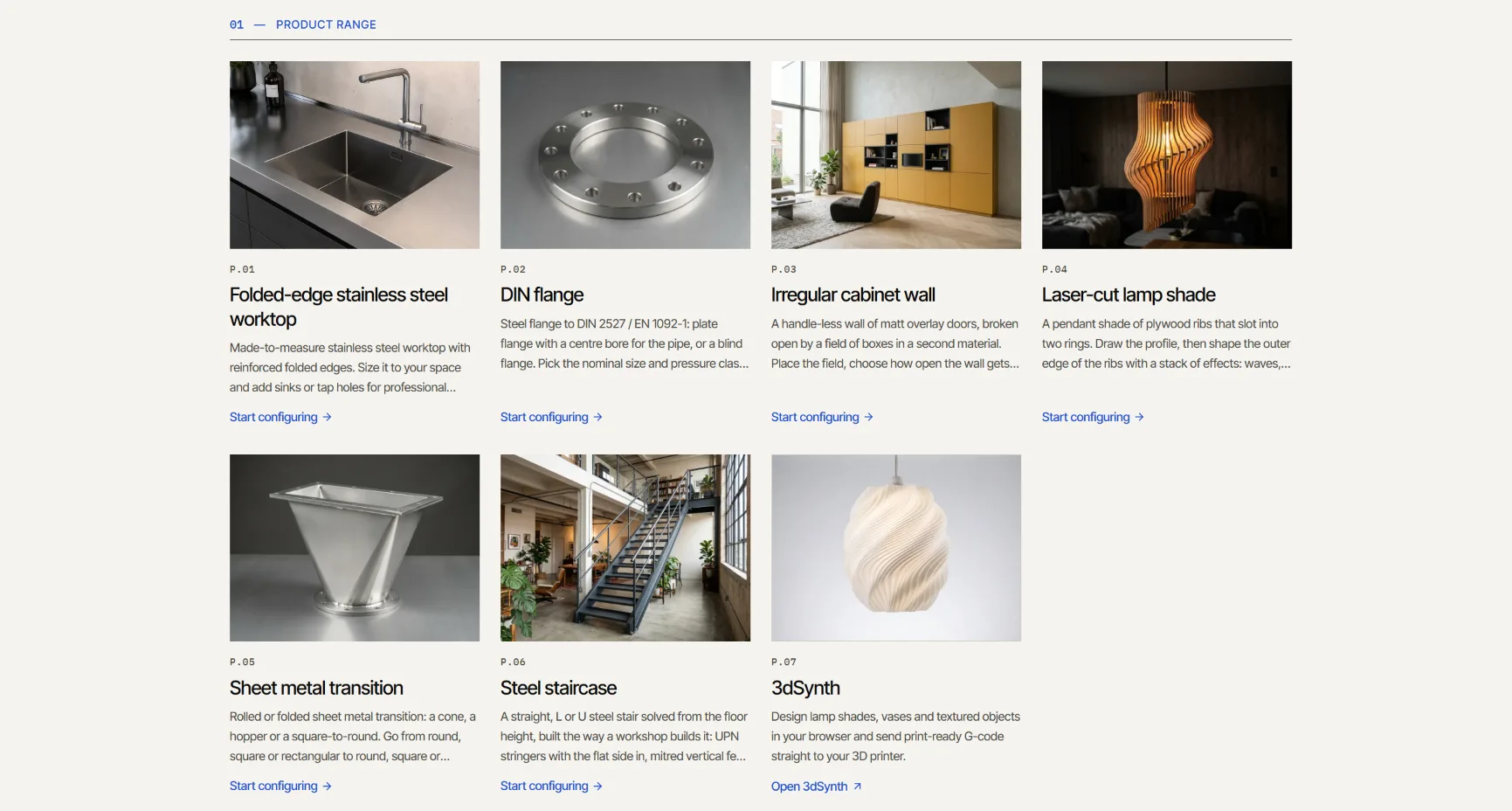
What is in the showcase today is a start. By now it also holds a steel stair, a laser-cut lamp and a cabinet wall, and more is coming. What interests me there is not the number of products. It is that they all come from the same small fabrication language.
What I wanted
I wanted a configurator where the part on screen is the part that gets made. Change a size and the real geometry changes, and the price is calculated from that same part.
That sounds obvious. In most configurators I know, the picture is an illustration next to the form. The form is the product, and the photo shows roughly what it looks like.
The obvious route
The usual way is a form with a product photo, and a CAD model behind every variant. Or a little better: let CAD rebuild on a server every time someone changes something.
Both work, and for some products that is the right choice. For a stainless worktop with a sink, a tap hole and folded edges it was too heavy for me. One CAD file per variant cannot be maintained, and a CAD rebuild per click makes the configurator slow at exactly the moment someone is trying things.
So Kubuz CPQ works differently. For each product family I write one product definition. It knows which combinations are valid and writes a fabrication program. The kernel builds that program in the browser, and price and offer start from the same configured product.
One language, many products
The first real product was the Inoxplus stainless worktop. At inoxplus.kubuz.net their customers configure seven product families today, from worktops and backsplashes to hat, L and U profiles. A worktop is folded sheet metal with openings, and that is exactly the vocabulary the kernel started with.
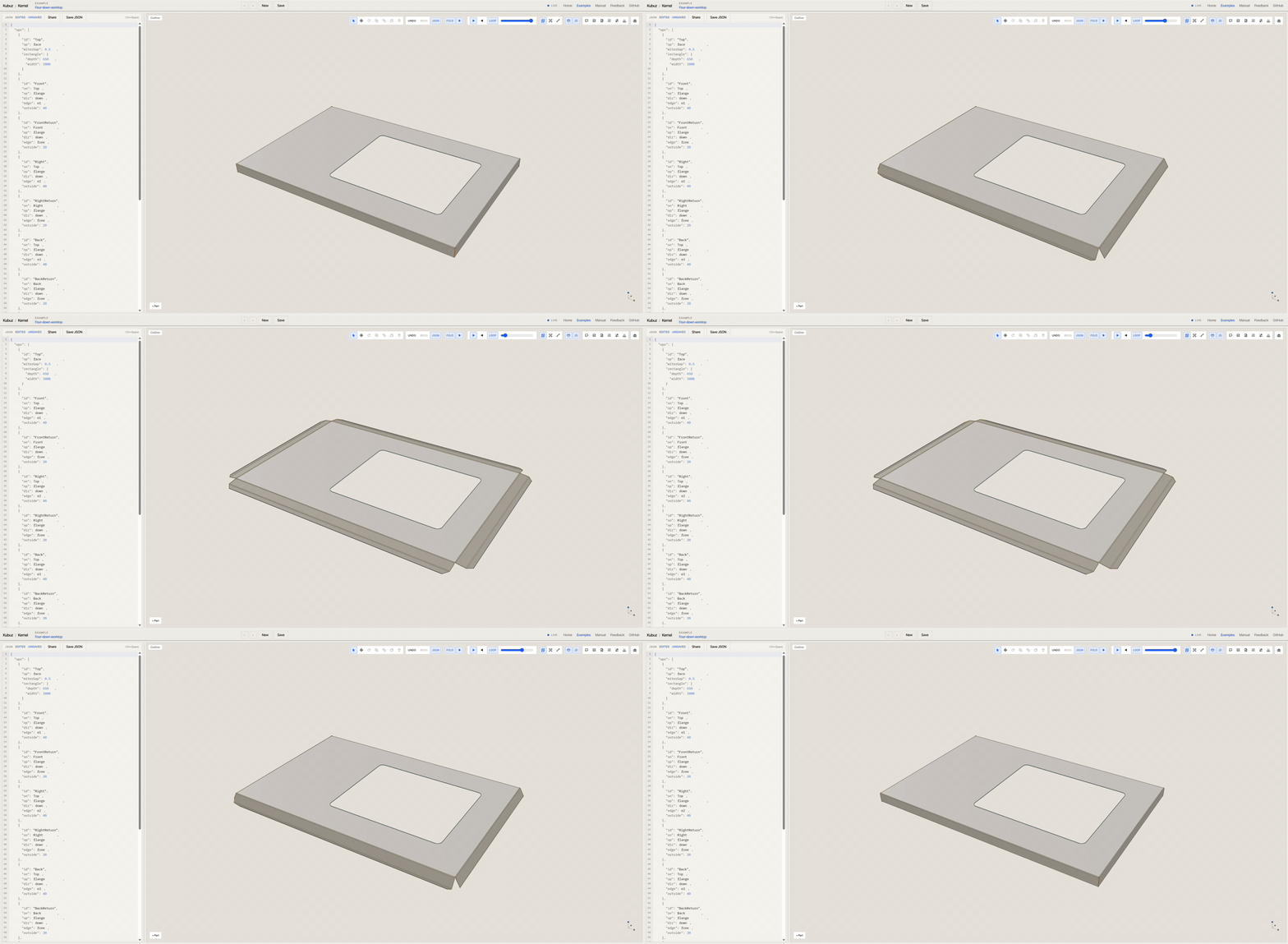
After that I wanted to know how far the same approach reaches. A sheet-metal transition, rolled or folded and with the top off centre, is an ordinary part for a workshop. It is not a shape you draw with a few extrusions. A DIN flange was a short test with a product that comes from a standard table, where the user does not choose freely but stays within the valid combinations.
Then came bigger products. A stair is an assembly of profiles and plate that starts from the dimensions of the space. A laser-cut lamp is made of flat cut parts. A cabinet is folded sheet metal in an assembly. They are very different products, and yet they are made with operations the kernel already knows: plate, bends, rolls, profiles, mitres, cutouts and assemblies.
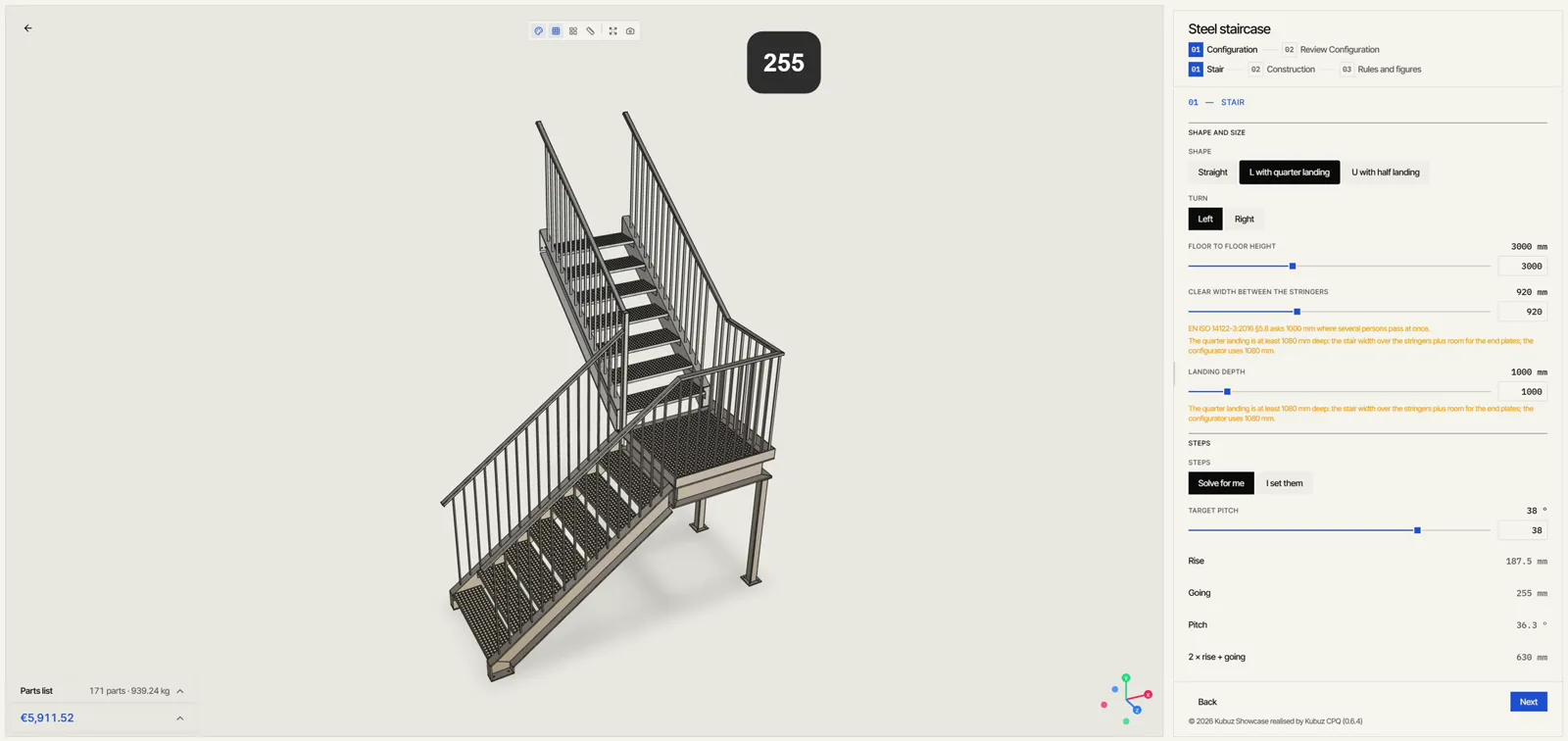
Right now that is the steel stair. A stair is not sheet metal. It is UPN stringers, treads, a landing and a railing that together form one assembly. That needed something new in the kernel: a sawn bar as a body, with a section, a length, mitre cuts and holes, and bars placed in an assembly. The rules, the price from the cutting lists and the quote could stay as they were.
So a new product mostly needs a new product definition, not a new system. That is where the work is: understanding how the product is built and which choices really matter.
What I checked
The STEP files. The stair opens in Inventor as an assembly. Identical parts come in as one model with several instances, and the frame and the railing are real solids, not triangles. In that STEP I measured everything: the bends, the plate thickness and the rest of the dimensions.
The kernel also checks that no parts run through each other. The stair was the first product to pass that check without collisions.
Where AI helped
I write a lot of the code together with AI. Mostly that changes how much one person can build. A system with a kernel, a configurator, several languages and a growing range of product families is something I build this way next to client work, on my own.
What AI does not bring is the product knowledge. How a stair is put together, or where a fold in a worktop has to go so it can be made, comes from the years I have spent drawing machines, sheet metal and steel structures.
The kernel's small fabrication language helps here. A model can say: put a flange here. The kernel stays deterministic and checks the result. That is the same reason I think the language will be useful for agents later on.
Try it
The showcase is at showcase.kubuz.net and grows with what I build. Prices are illustrative. Kubuz configurators explains how a project with your own product goes and what it costs.
The question from the last piece is still open: how much configurable fabrication can you describe this way before you really need full CAD? Every new product moves that line a little. If you have a product you think fits here, send it to me. That is the fastest way to find out.