
01—Writing
Writing
I also use this site as a technical reference. Writing is where I keep pieces I want to come back to. They are about product models, configuration, CAD automation and manufacturing, usually starting from something I ran into in a project or experiment. Some are longer essays, others are reference pages or short notes, and those may still grow later.
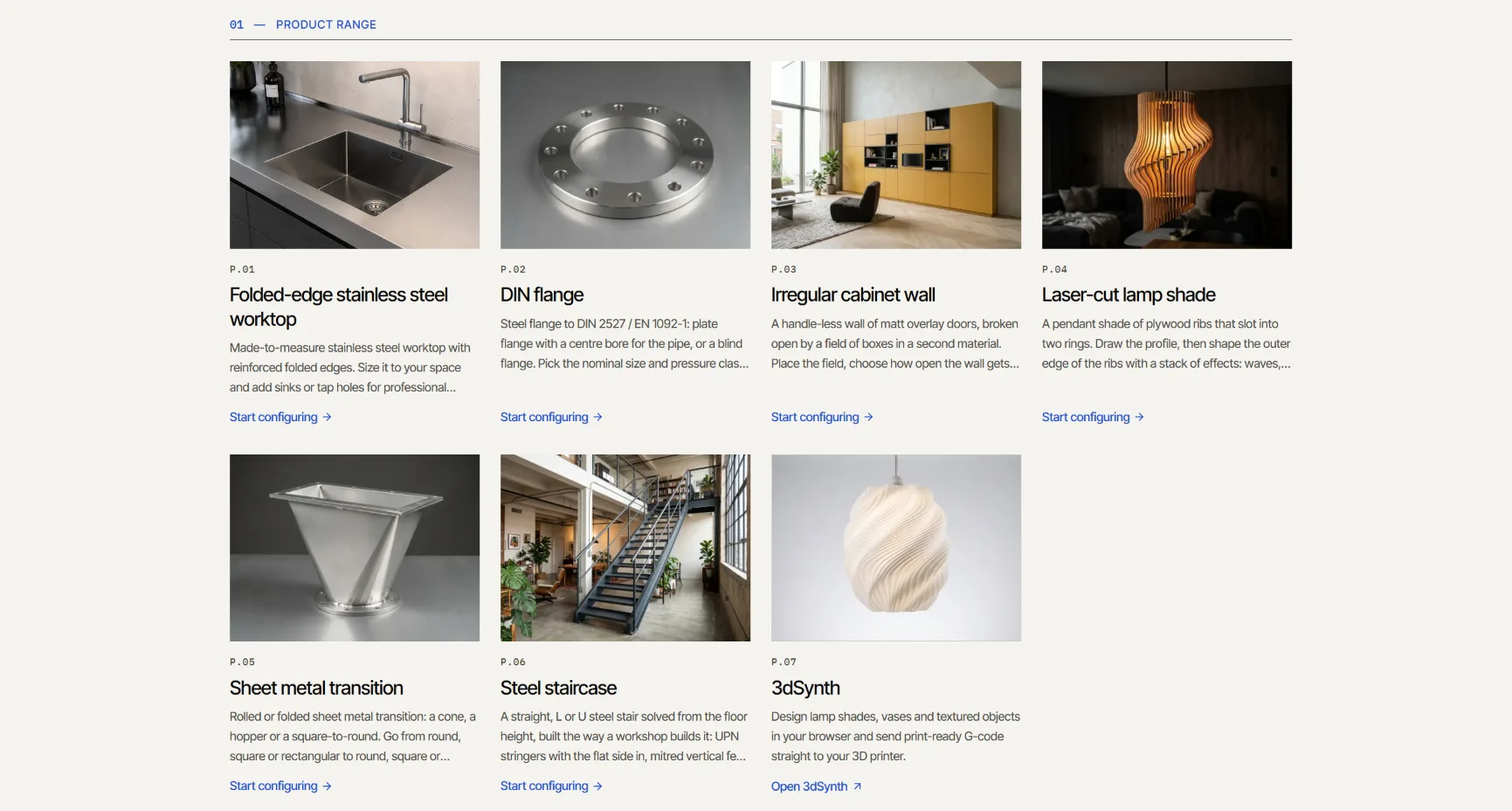
Fabrication kernel, part 3: putting it to work
Part 2 ended with one sentence: next step is designing with it. So that is what I did.
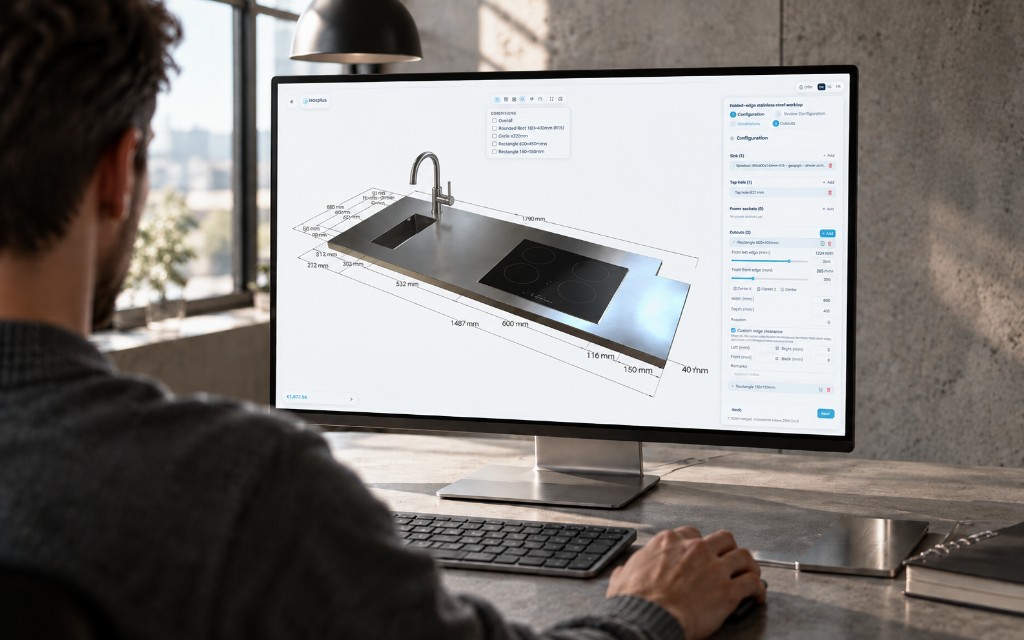
From kernel to configurator
Early in October I wrote about the fabrication kernel I am working on. I ended by saying the next step was to design with it. That has happened. The kernel runs in Kubuz CPQ, the system Inoxplus uses to let its products be configured, and in a showcase anyone can open.
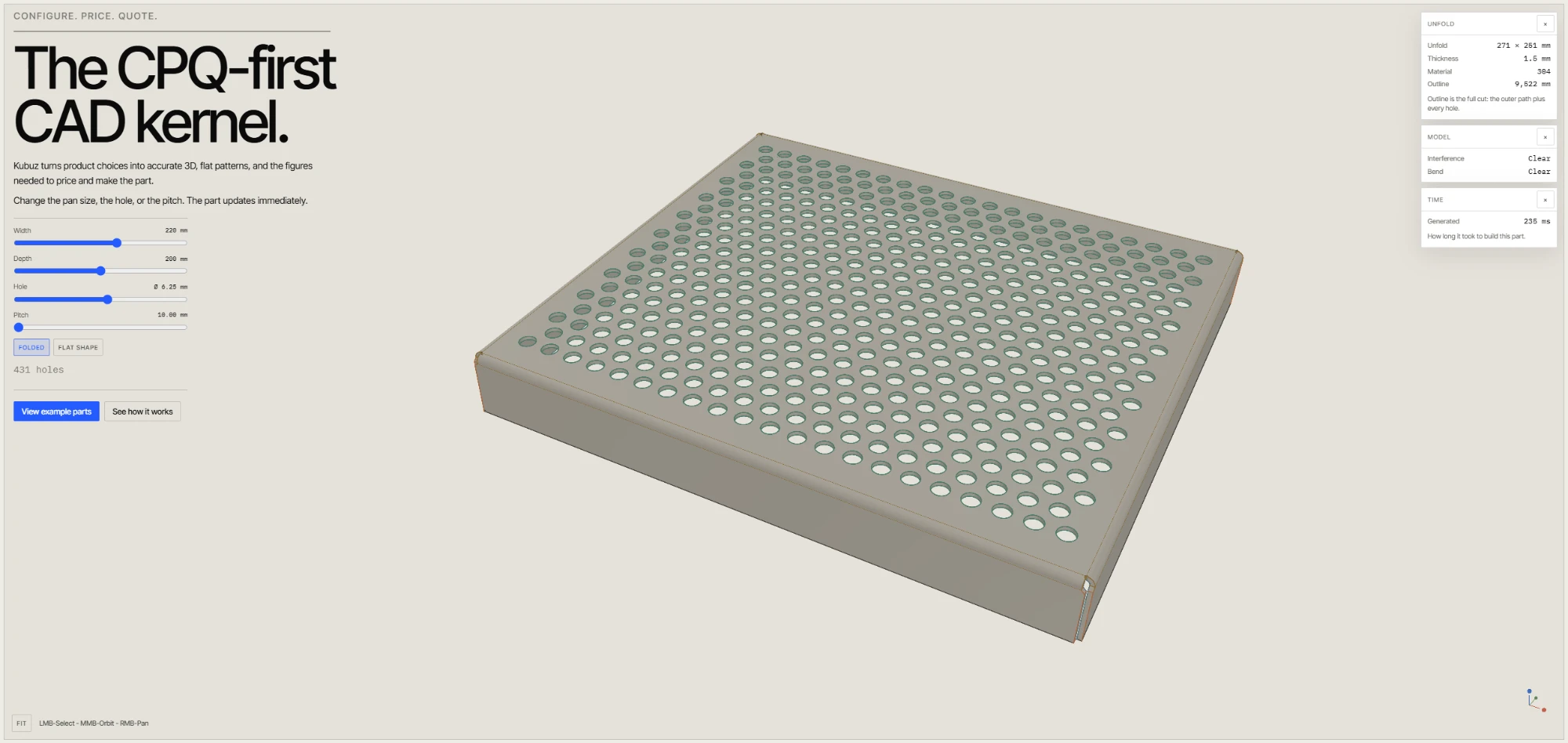
Building a fabrication kernel for web configurators
I wanted web configurators for folded sheet metal, profiles and simple assemblies to update in the browser, without a full CAD system behind every change.
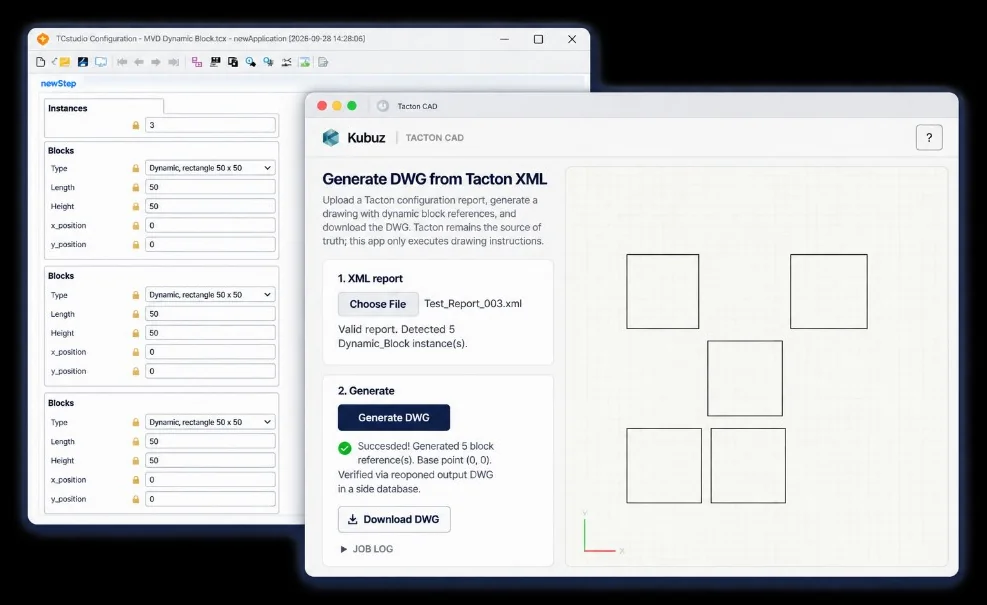
From Tacton configuration to an AutoCAD drawing
A configured product in Tacton already knows what has to be built: which parts exist, what their dimensions are, and where they sit.
Geometry is not the product model
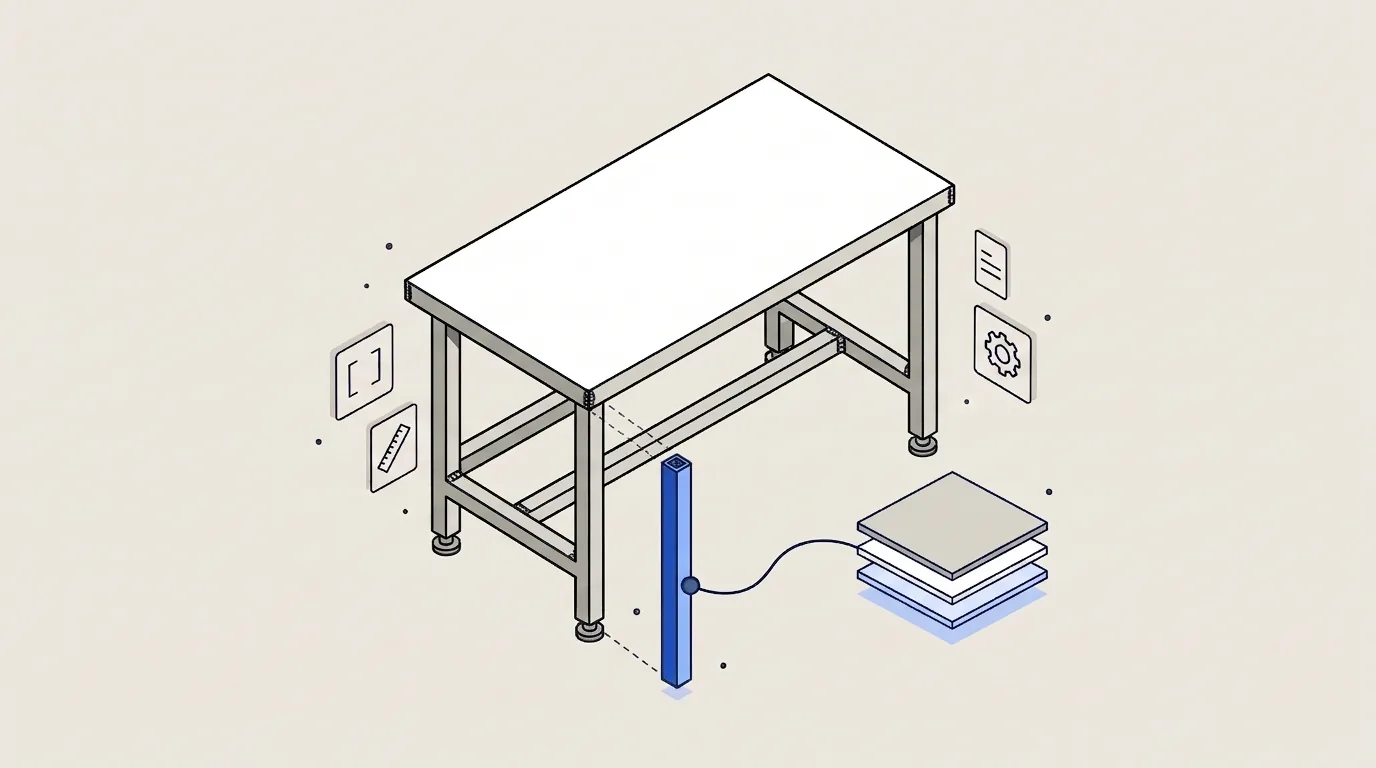
CAD is very good at geometry.
What I mean by CPQM
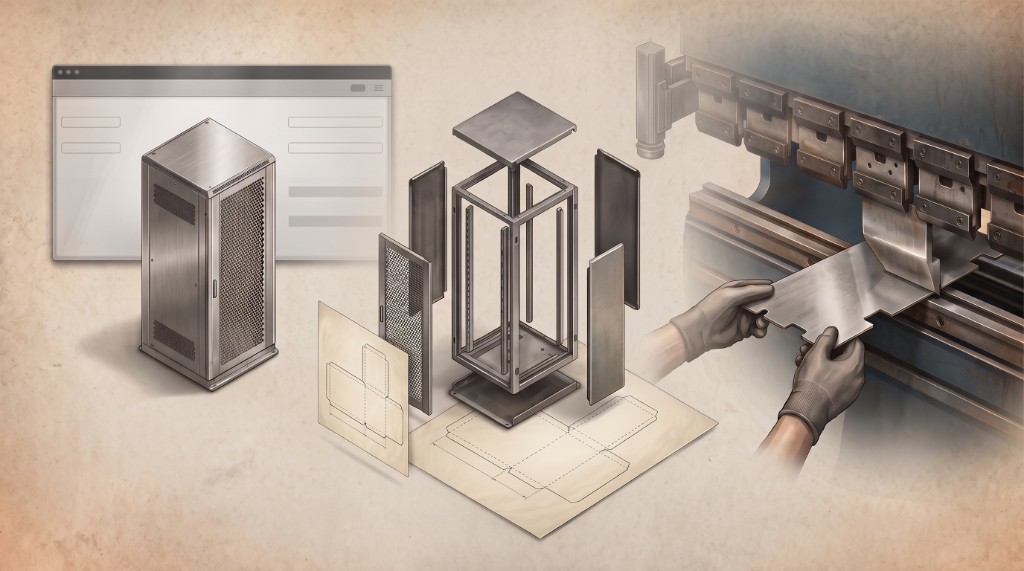
CPQ stands for Configure, Price, Quote.
Rules, constraints and domains: the difference
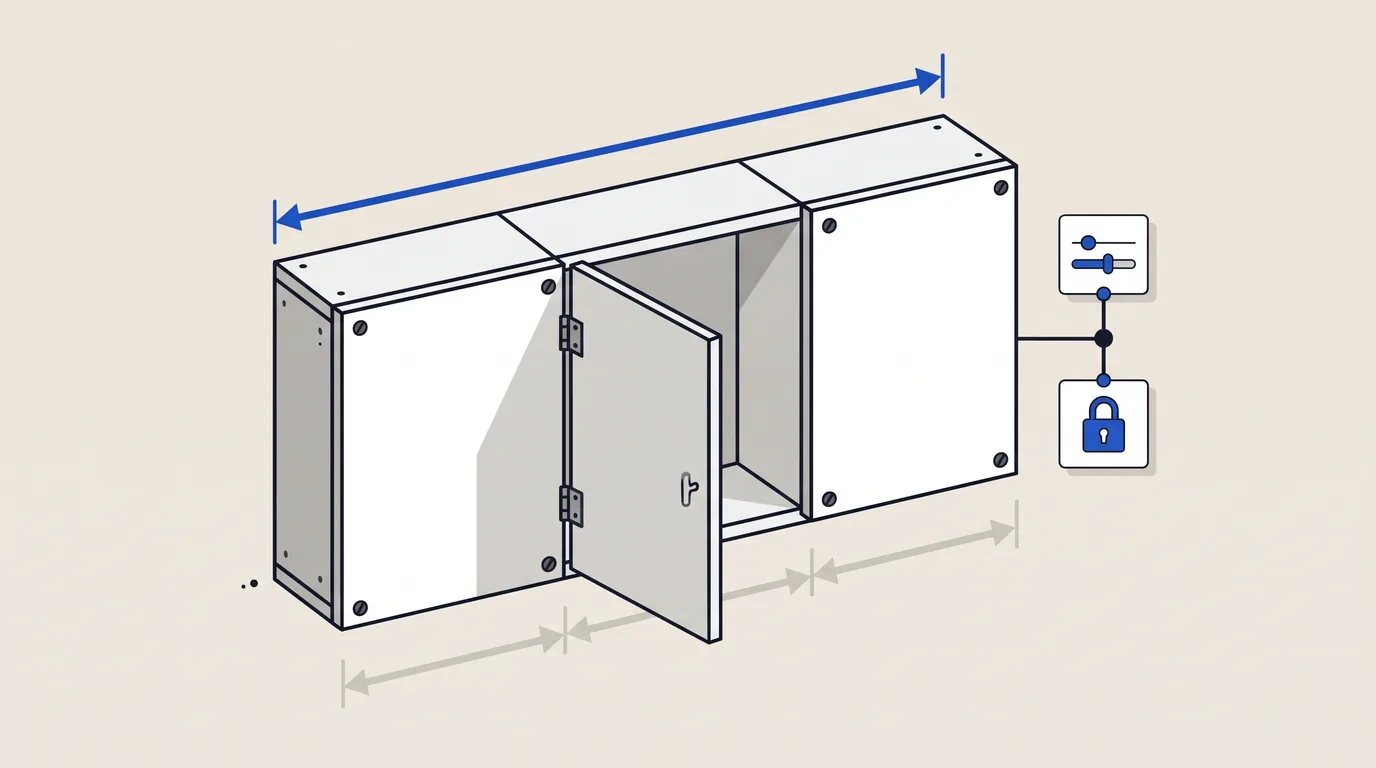
When people talk about product configuration, rules and constraints are often thrown on one pile.
From parametric CAD to product configuration
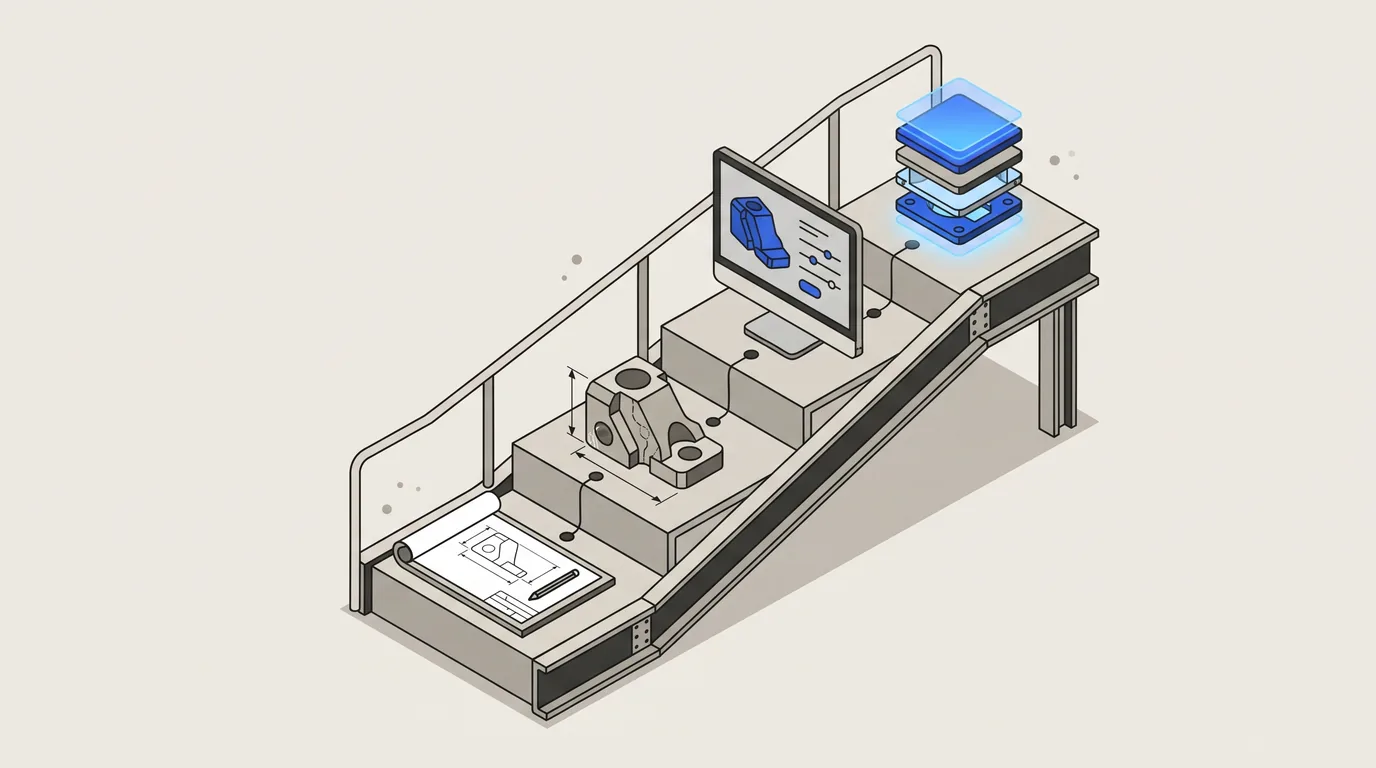
I started as a drafter.
From engineer-to-order to configure-to-order
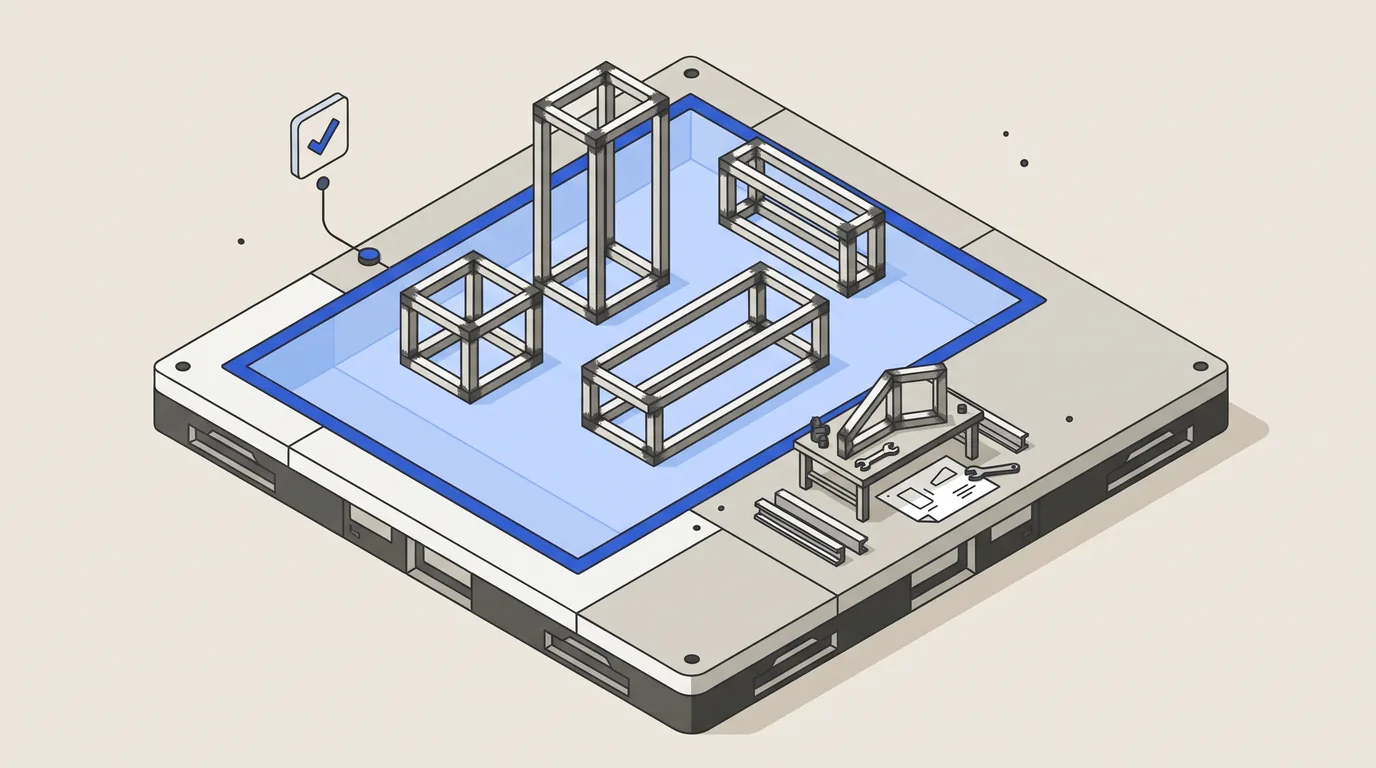
Moving from engineer-to-order to configure-to-order is often presented as an automation project.

Where product logic lives: CAD, CPQ or software
Product logic has a habit of ending up wherever it was easiest to put it first.
What belongs in a configurable product model?
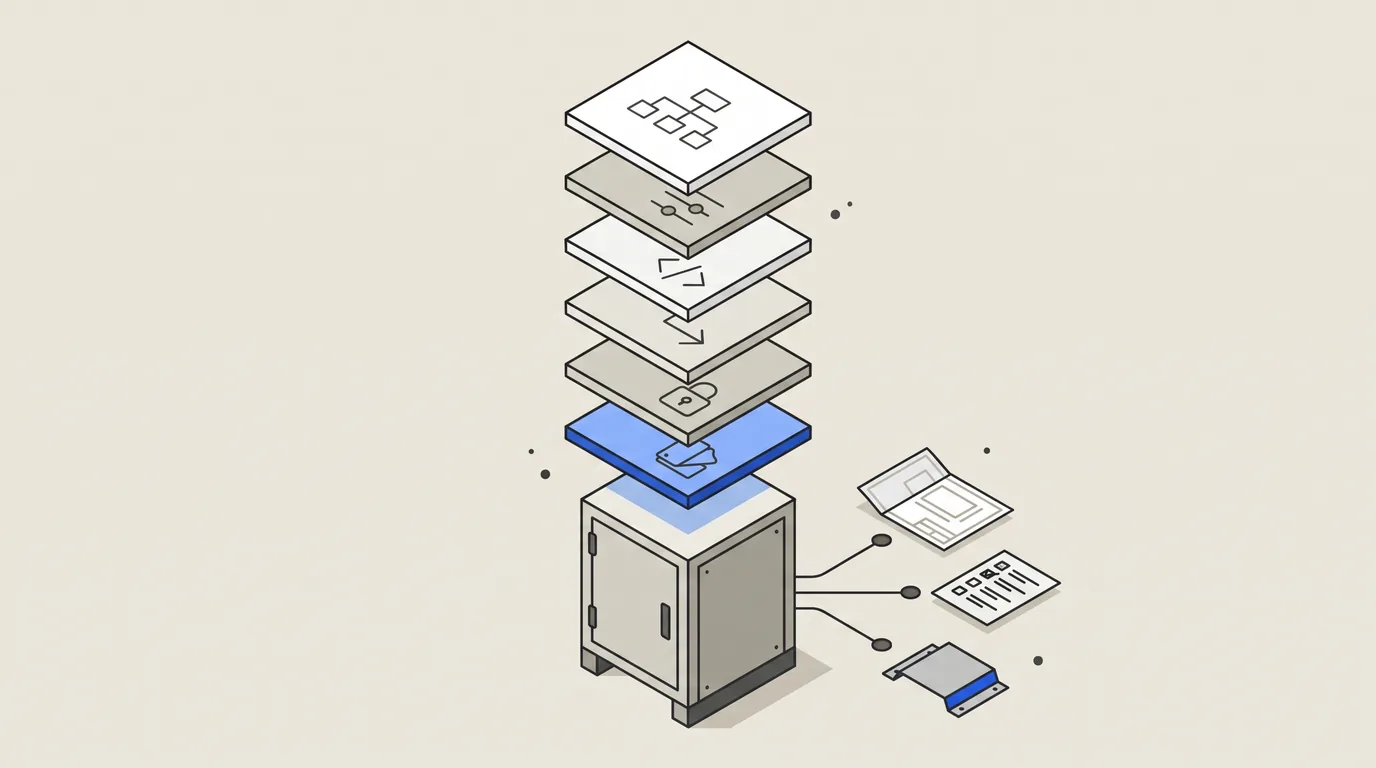
A configurable product model is easy to underestimate.
A configurator should know what the factory can make
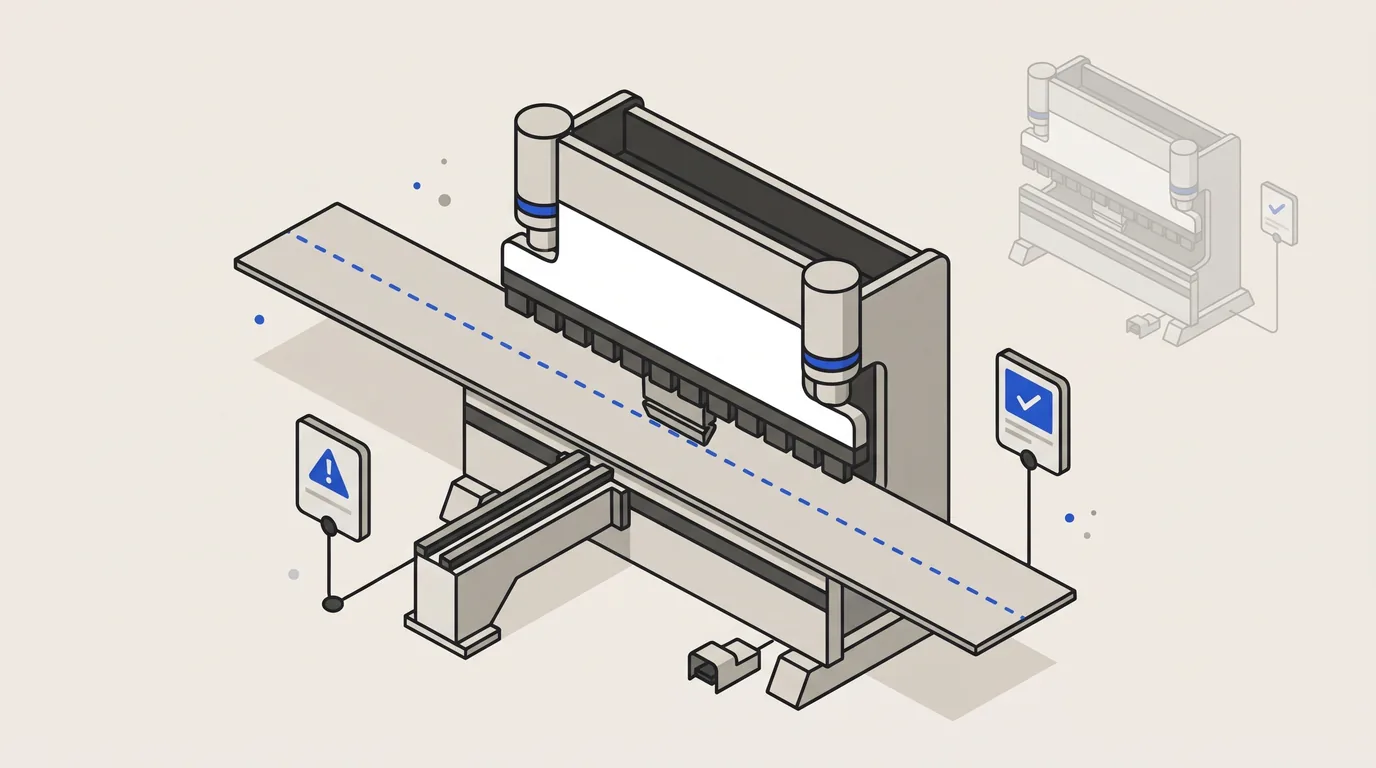
A technically valid product is not automatically a manufacturable product.
Openframe: materials, joints and print strategy
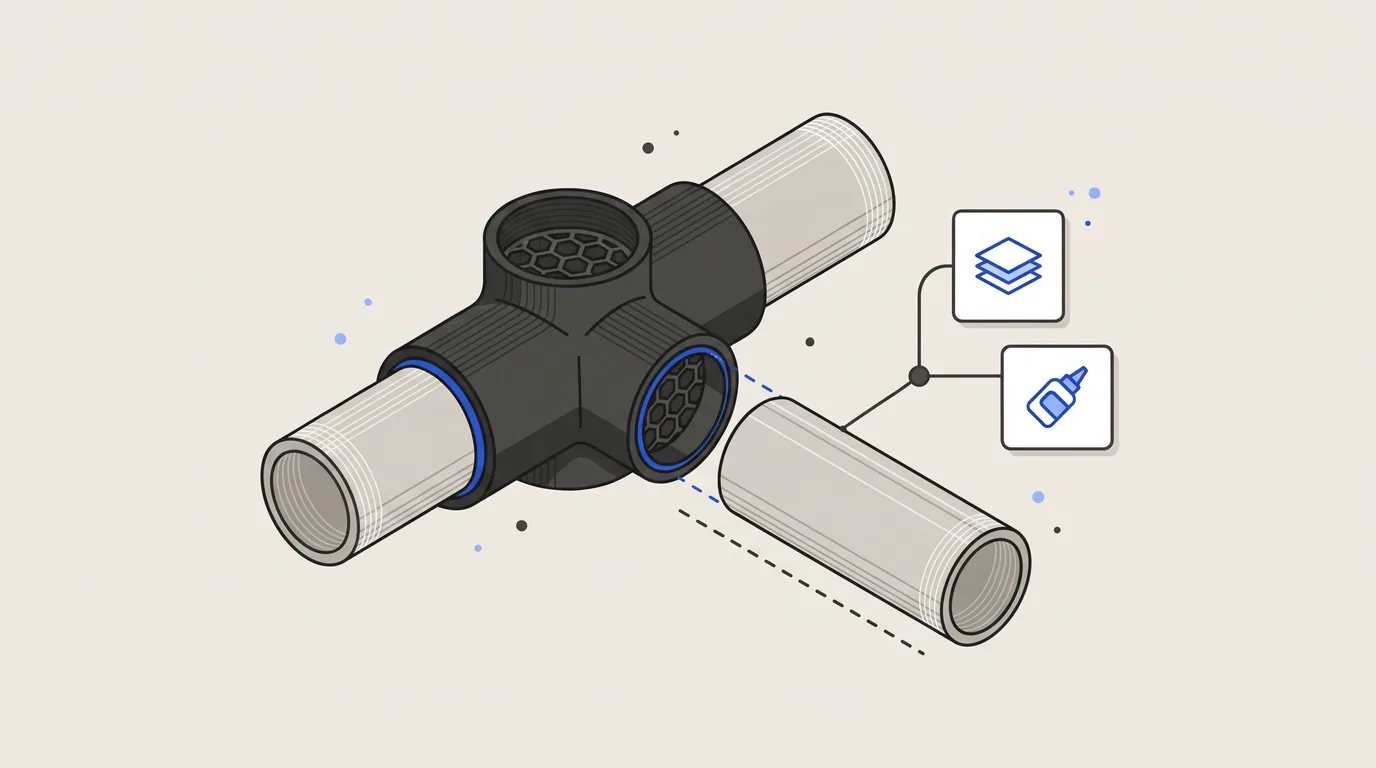
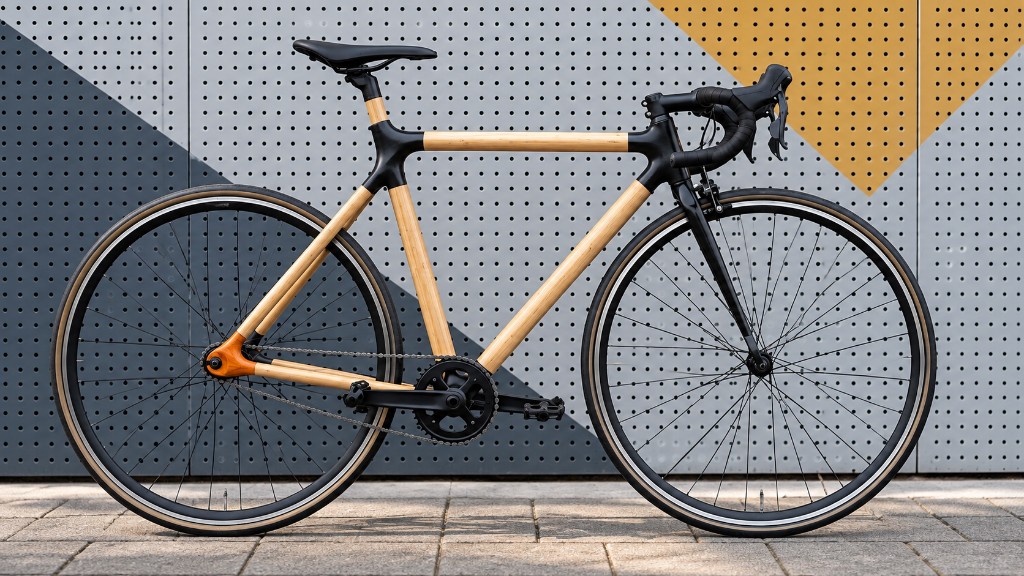
Openframe is not an attempt to reproduce a conventional bicycle frame in plastic. The project explores how a frame changes when FDM, parametric CAD and home fabrication are treated as design conditions from the start.
Openframe v0.2: build, test, redesign
Openframe v0.2 was the first version where the concept could be evaluated as a complete frame. Not only separate lugs and test pieces, but an assembled structure where fit, alignment, stiffness and the first controlled ride tests could be observed.