
Work
Inoxplus
Inoxplus is a client that sells made-to-measure stainless steel. Their customers put together their own product in a configurator I built for them on Kubuz CPQ. Product choices, geometry, price and quotation all start from the same underlying model.
At [inoxplus.kubuz.net](https://inoxplus.kubuz.net) their customers configure seven product families today, from worktops and backsplashes to hat, L and U profiles. I show it because it makes the connection between product configuration, engineering geometry and ordinary web software very concrete.
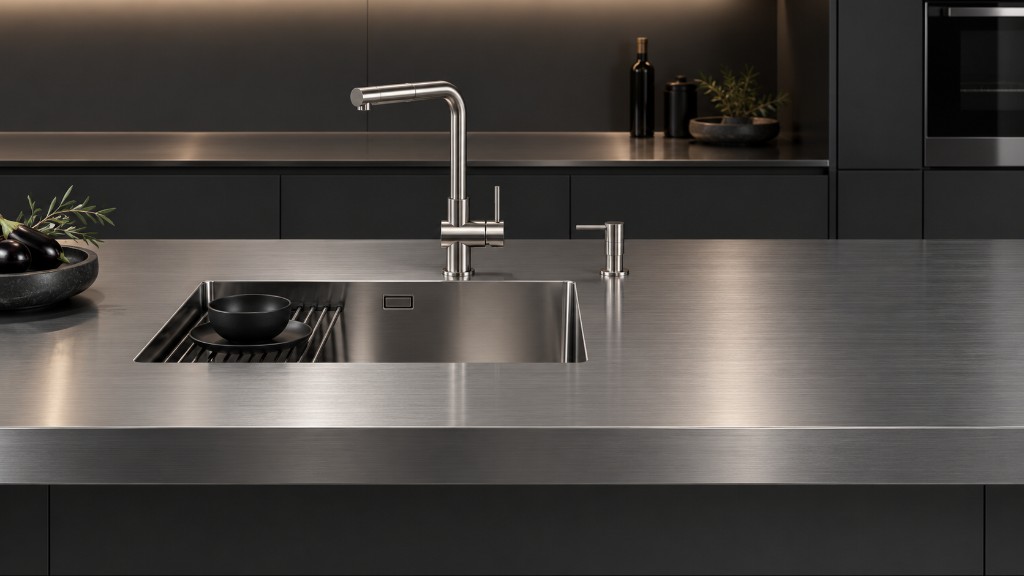
A simple product with a large variant space
Take the worktop. A stainless worktop looks fairly simple until it becomes configurable.
Dimensions, material, sheet thickness, folds, cut-outs, sinks, tap holes and other options influence the result. Geometry matters directly: move an opening, change a dimension or choose another construction and the technical product changes with it.
That makes a conventional form with a static product image a poor representation of what is actually being sold.
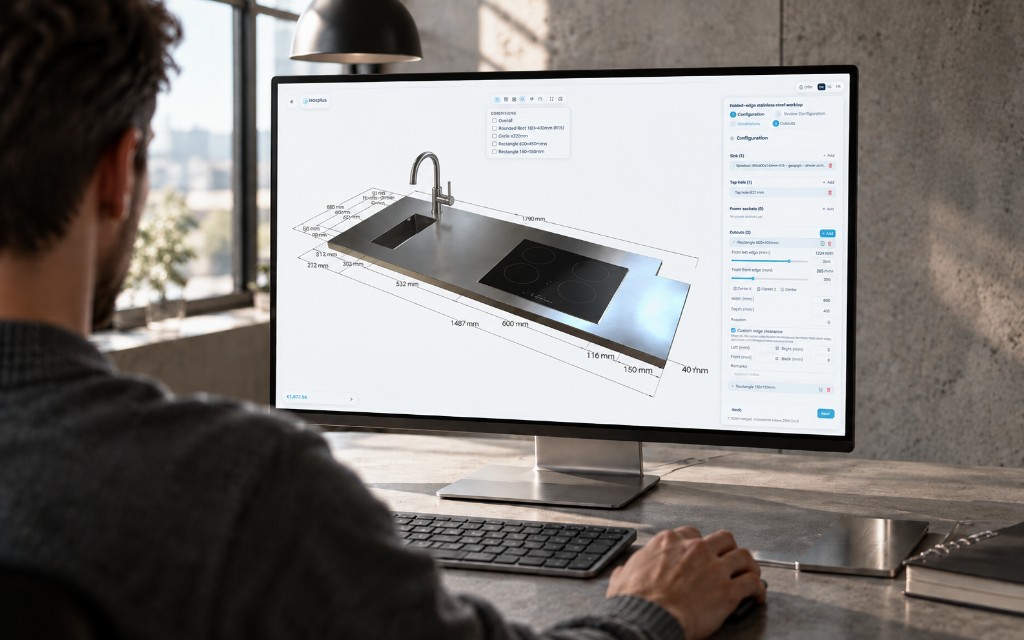
One product definition, several outputs
The configurator brings product parameters, 3D geometry, options and cut-outs, material choices, price calculation and quotation output together.
The important part is not that all of those functions appear on one screen. It is that they can work from the same configured product instead of each maintaining its own interpretation of the variant.
A change to the product can therefore become visible in geometry immediately, while the commercial and technical data remain connected to the same choices.
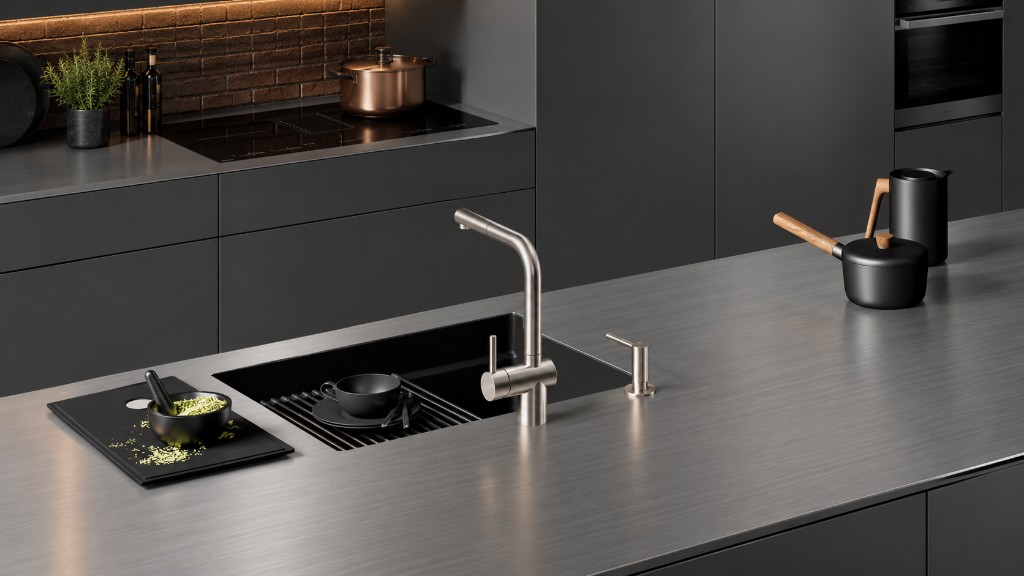
Geometry without a separate CAD file for every variant
For this kind of product I do not want every possible worktop to exist first as a separate CAD model.
The geometry can be generated from the configuration itself. That is the reason I have also been experimenting with a lightweight geometry kernel for sheet metal and profiles: the configured product remains the source, while geometry is one of its outputs.
Inoxplus is a practical place to test that idea on a client's real product families rather than only on abstract geometry examples.
Where CPQ, CAD automation and software meet
The Inoxplus configurator sits somewhere between product configuration, CAD automation and a web application.
I find the boundary less important than the flow of product knowledge. The user chooses a valid product, the geometry follows, the price follows, and the same product definition can remain available for later engineering or manufacturing steps.
That is more useful to me than a configurator that only selects a finished article number from a catalogue.